 GuiOut Luau
Build Roblox GUIs on your Mac. The Luau comes with them.
Drag together menus, shops, egg hatches, battle passes and HUDs from more than 250 working components, then drop them into Roblox Studio with the scripts already written.
Requires macOS 26 or later.
Everything a Roblox GUI needs, in one place
You lay it out visually; GuiOut Luau writes the Roblox objects and scripts for you.
250+ working components
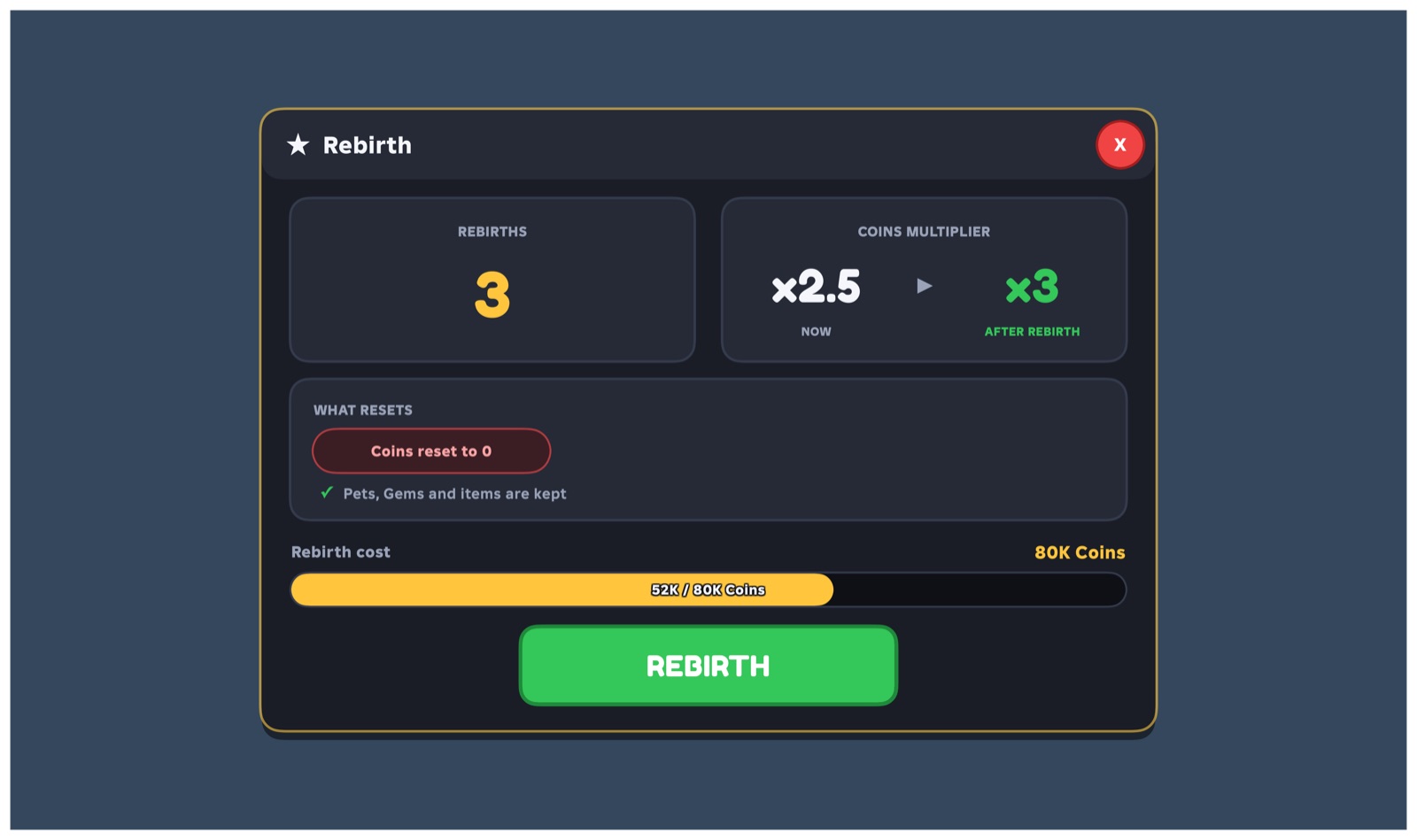
Health bars, shops, egg and crate openers, spin wheels, rebirths, skill trees, stats, quests, leaderboards, settings menus and more. They already work; they aren't just mockups.
One-click Studio export
Export a .rbxmx for StarterGui plus a matching server script for ServerScriptService, with saving, purchases and remotes wired up for you.
Drag, drop, done
Snap to edges and centres, align and distribute, group, undo and redo, and pan with the middle mouse button. Pages let one GUI hold your whole game's menus.
Looks right on every screen
Preview desktop, tablet and phone sizes. Shrink-to-fit pages scale down cleanly on small screens, and text uses Roblox's real fonts, so what you see is what players get.
Play it before you ship it
Play mode runs your buttons, tabs, tweens and page changes right in the editor, so you can click through the flow before it ever reaches Studio.
A real Luau console
Prefer typing? Build with Instance.new and friends in a built-in console that understands Roblox Luau, then copy any element back out as Luau.
Upload images to Roblox
Connect your own Roblox Open Cloud key once, then upload icons and art straight from the app. Your key stays in your Mac's Keychain.
Bring your own AI
Connect Claude Desktop, Claude Code or Codex in one click and let your assistant build, tweak and explain your GUI with you. It runs only on your Mac.
Notes and sticky notes
Keep ideas, screenshots, links, checklists and components on note boards next to your work, or pin a sticky note to the screen.
Made with GuiOut Luau
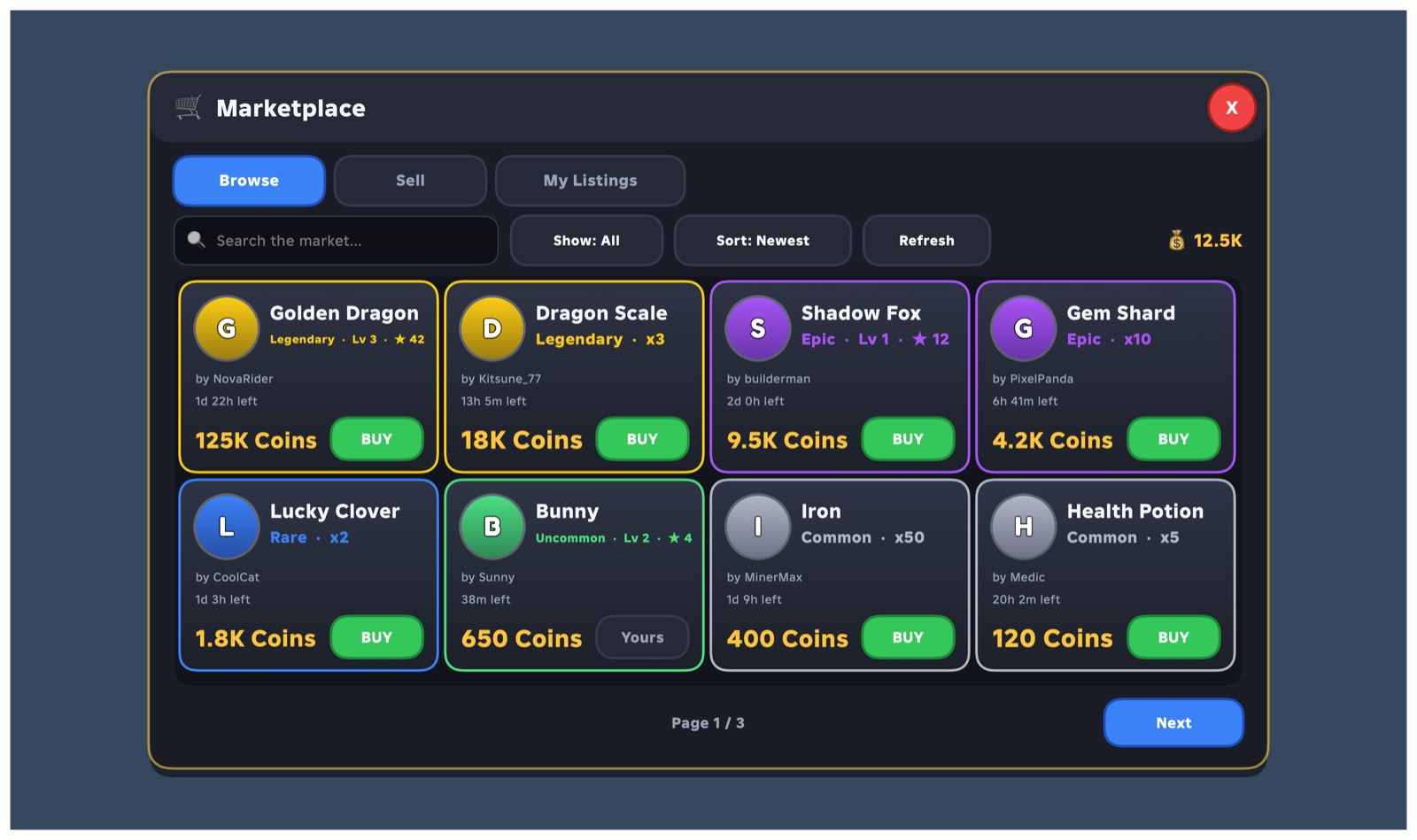
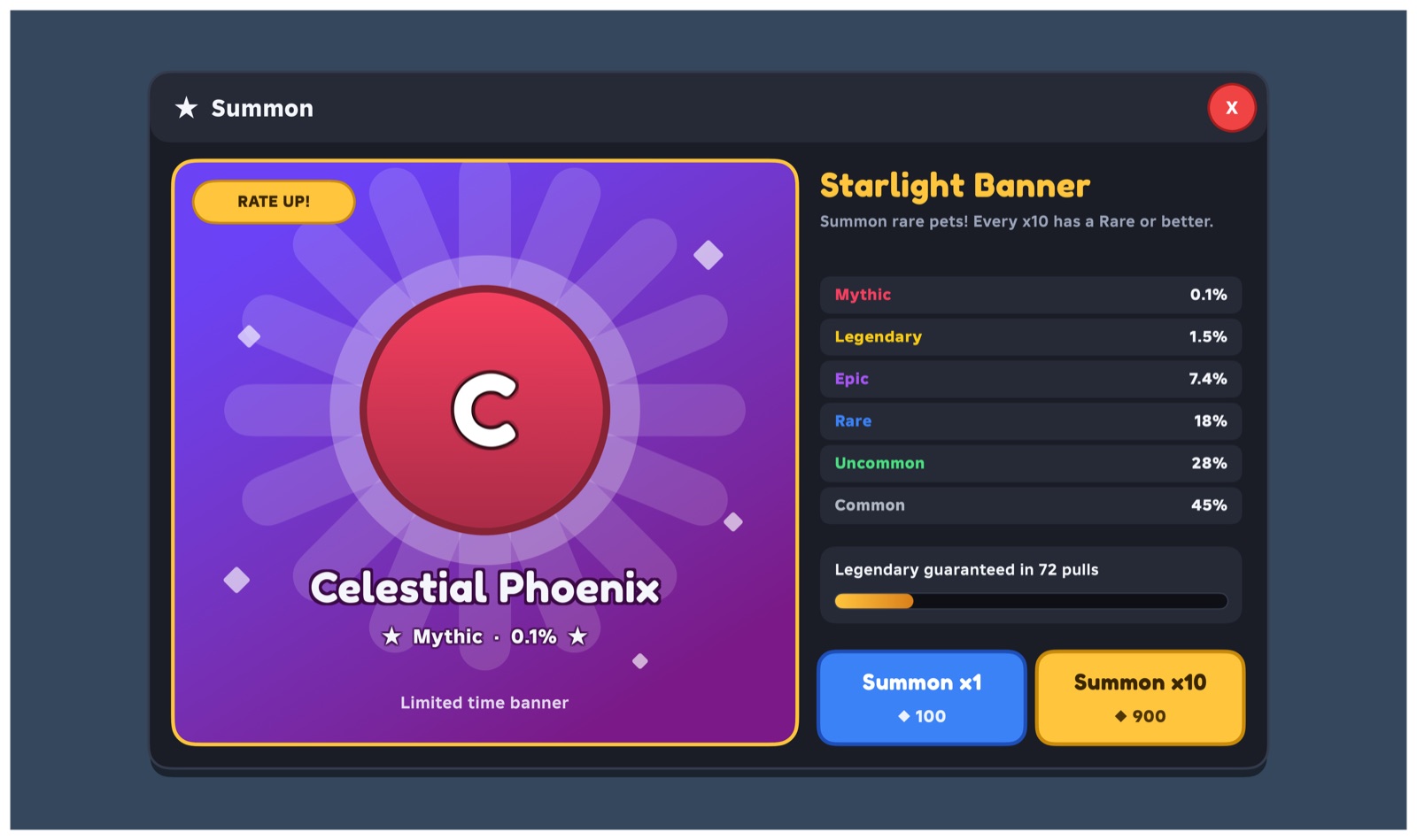
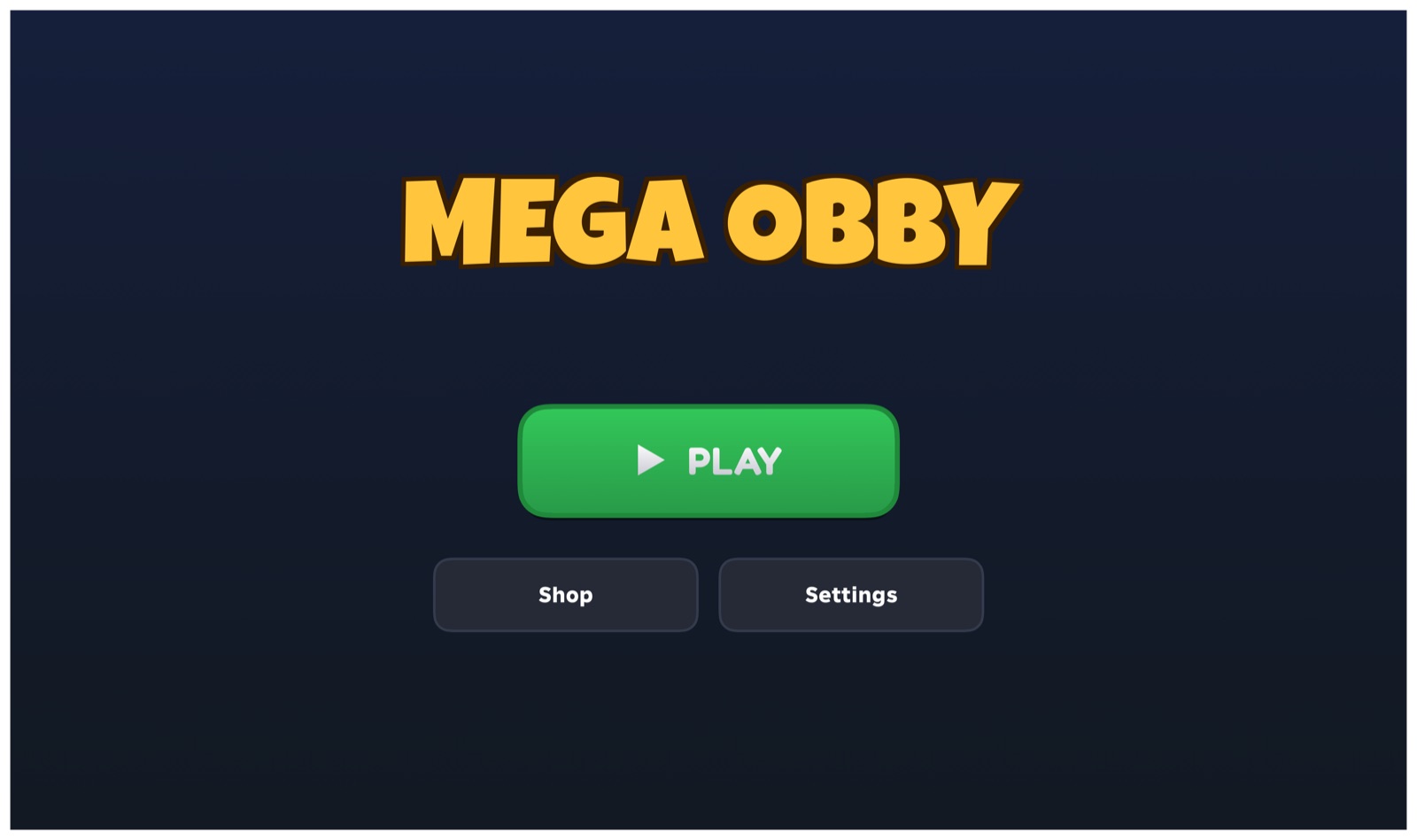
Every screen below is a ready-made page from the library, rendered by the app. Start from any of them and make it yours.
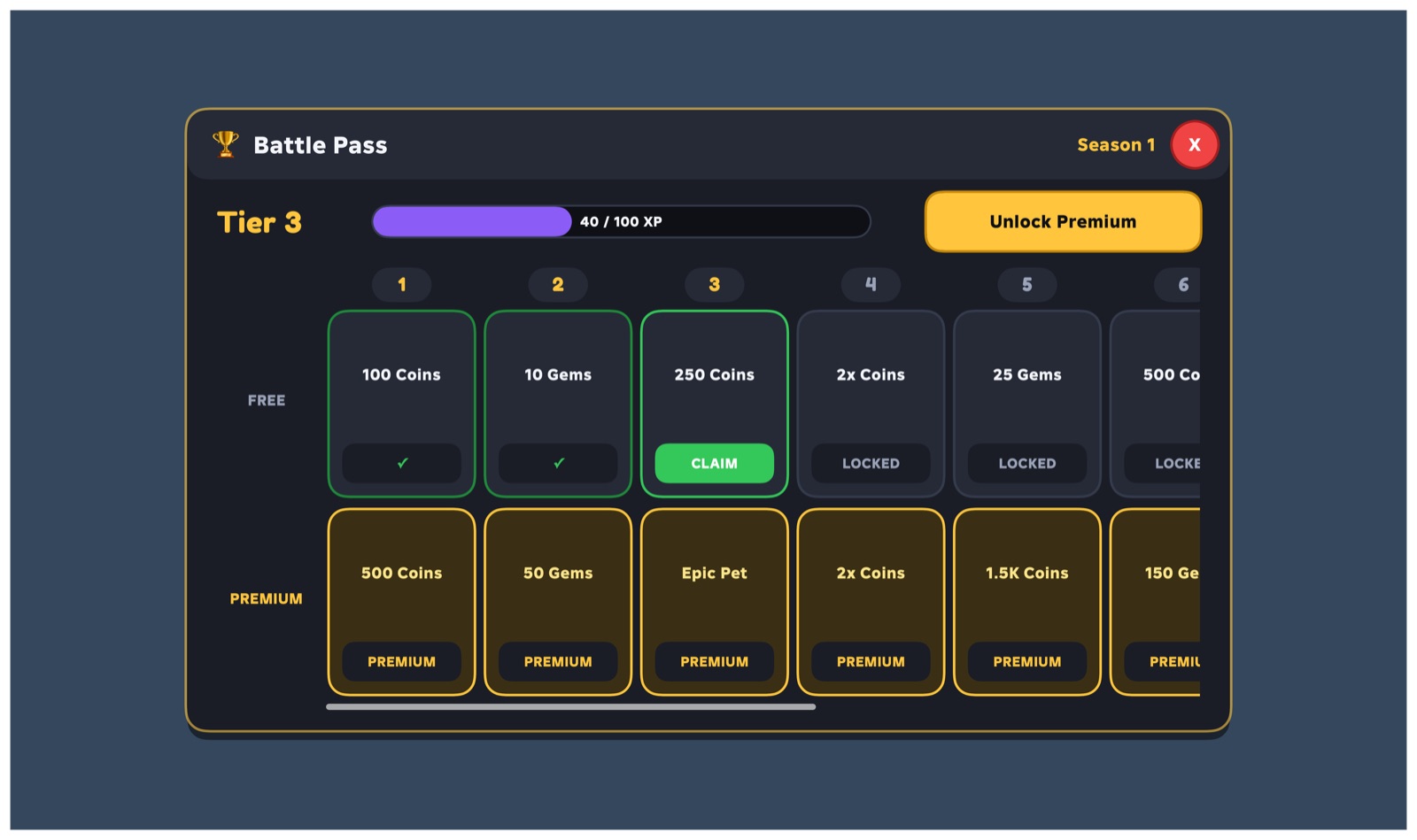
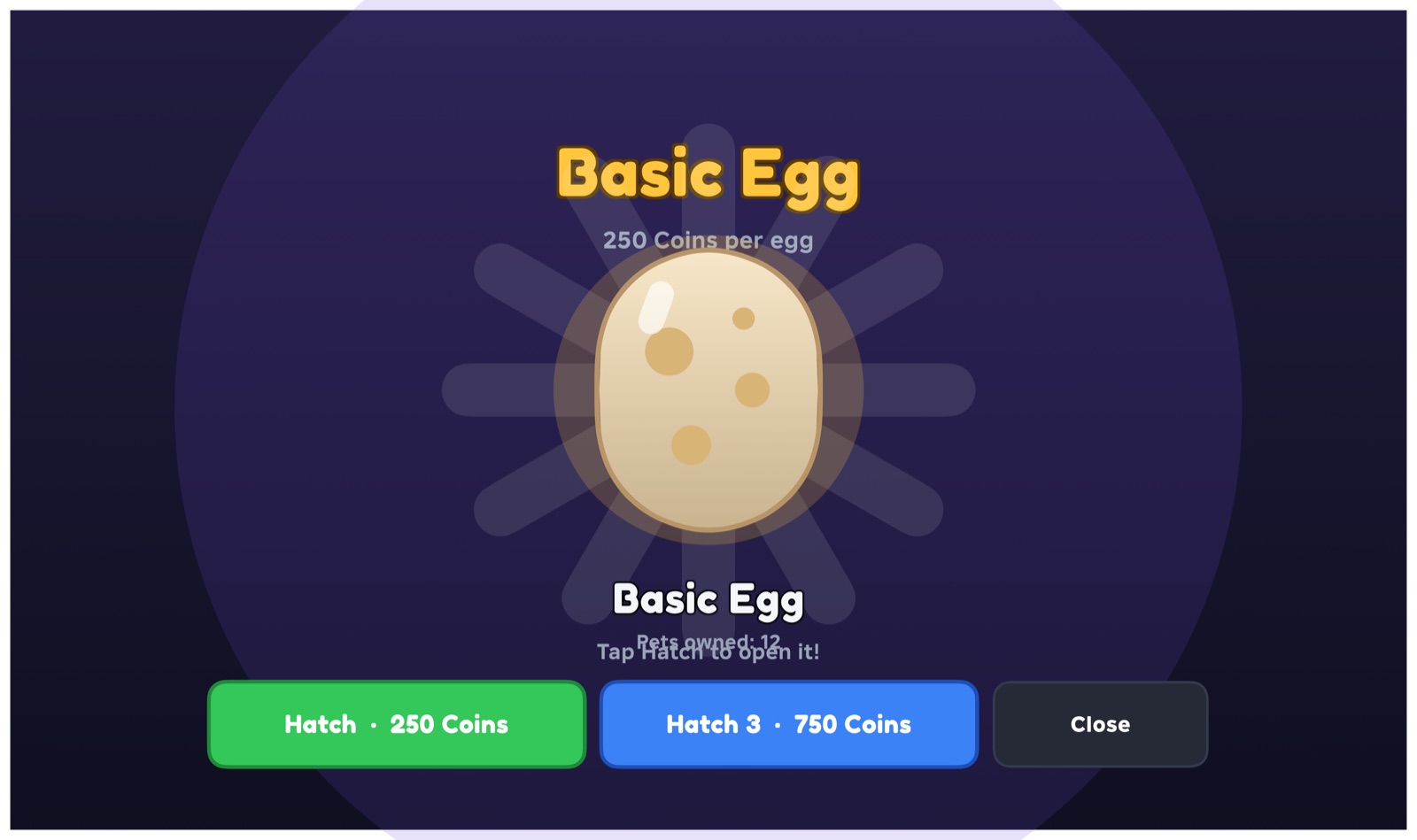
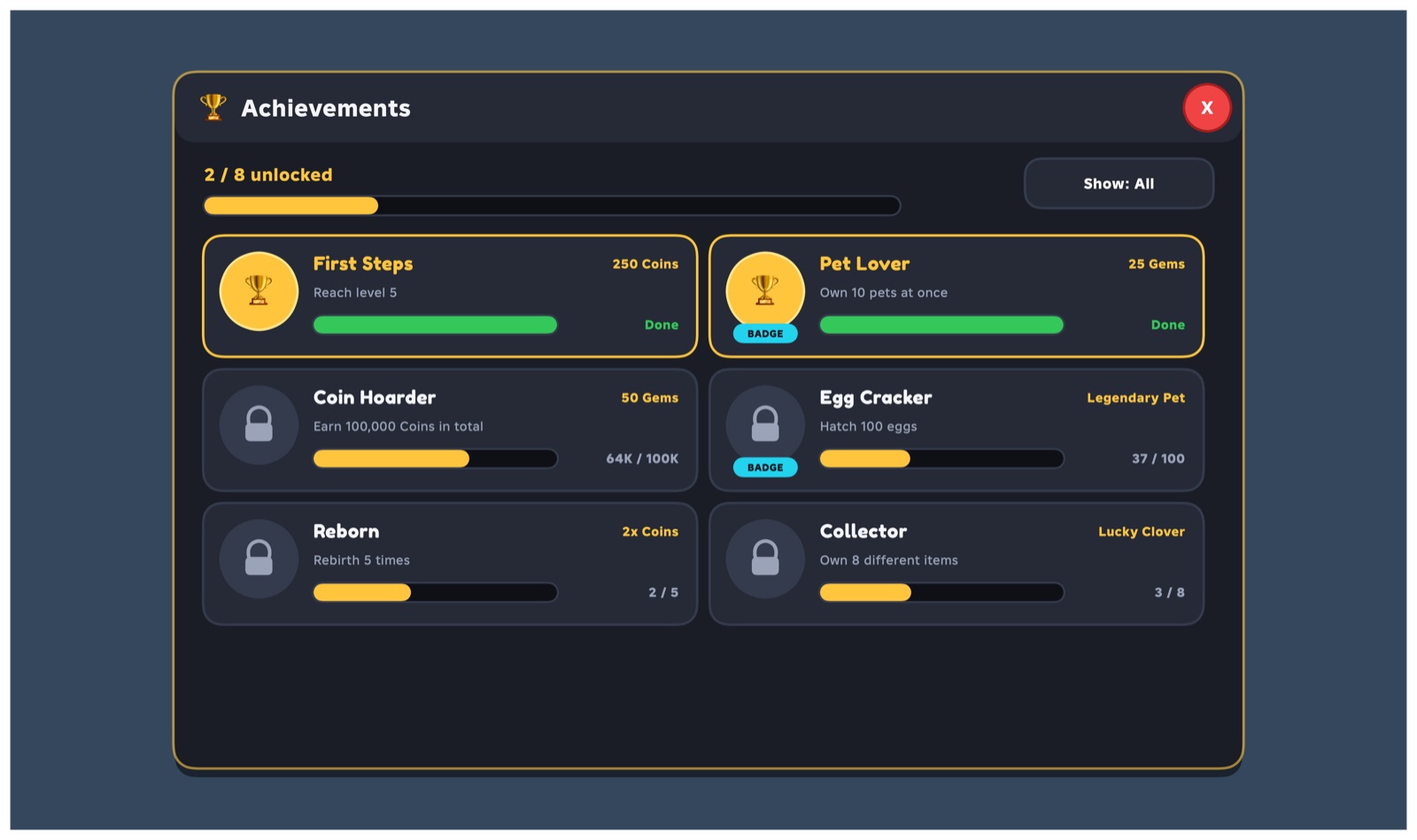
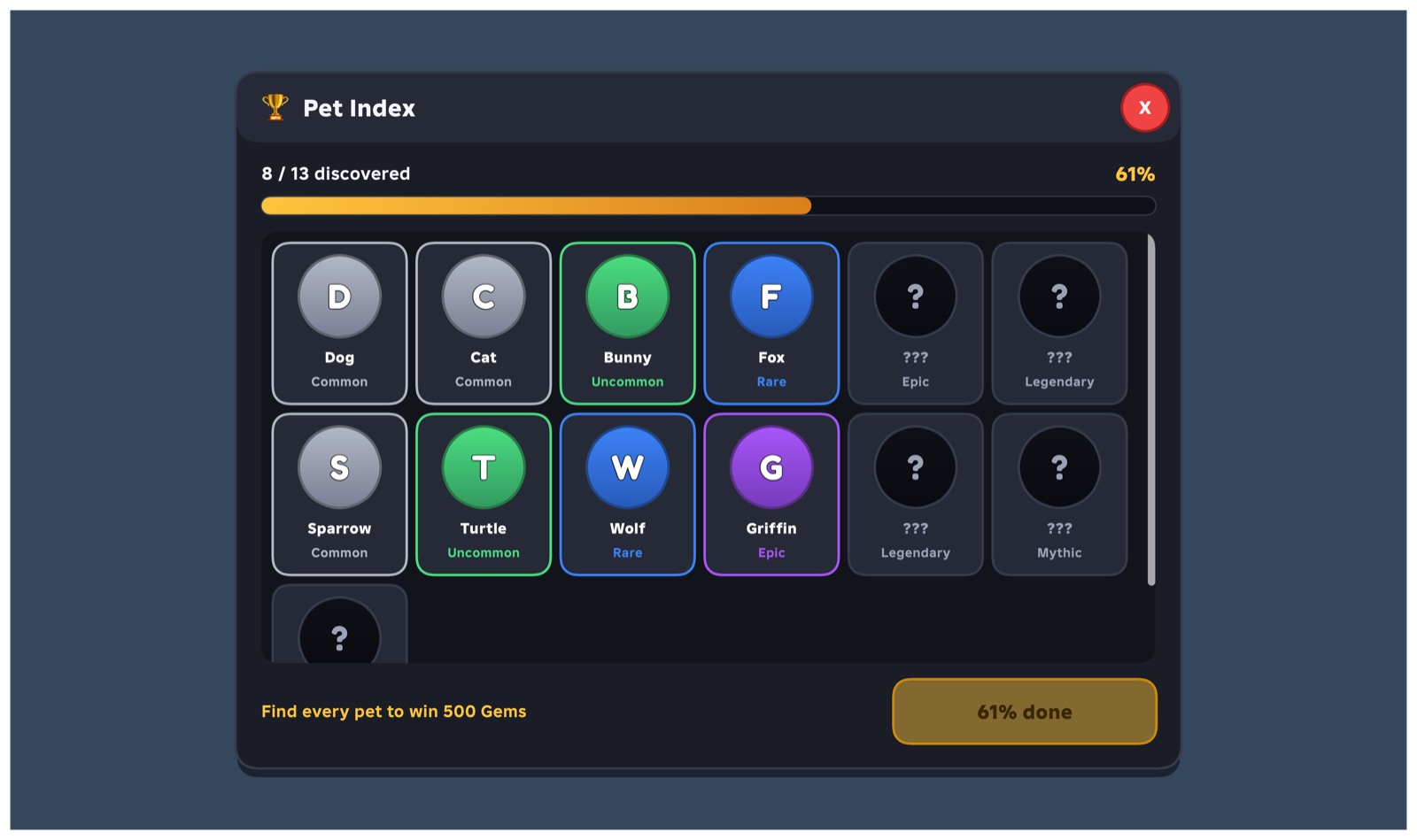
From idea to in-game in three steps
Build
Drag components from the library onto your screen, or start from a full page like a shop or battle pass. Change colours, text, sizes and fonts in the inspector.
Test
Hit Play to click through it. Check it on phone and tablet sizes. Set prices, rewards and odds right in the inspector.
Export
Export to Roblox. Drop the GUI file into StarterGui and the server file into ServerScriptService. That's it, it runs.
A shared library that stays high quality
Made something great? Submit it to the free public library. Every submission is checked and reviewed before it goes public, and broken or rough items get fixed up first, so anything you pull from the library is ready to use.
- Reviewed before it's public. Every submission is checked for harmful content and quality.
- Sorted by what people actually use. Browse by most used or most popular.
- Profiles and badges. Show off your games and best GUIs.
- Coming later: a members' shop and earnable credits. Credits are never sold for money.